19 Python Projects for Beginners [2026]
Build real-world Python skills with 19 beginner-friendly projects, from simple games to AI apps. Start with two runnable starter programs, then pick your next project!
Python projects are hands-on programs that you build to practice coding skills and create something for your portfolio.
They are a great way to learn Python because you actually use code to solve real problems.
In this guide, you’ll find 19 beginner-friendly Python projects for any taste—from building simple games to creating AI-powered apps. Each project links to a guided Mimo project, a tutorial or video, or a GitHub repo. Two starter programs further down, a number guessing game and a password generator, have complete code right on this page.
Not sure what to build first? Here’s the short answer:
- Your first project: the number guessing game or password generator below. Both have complete code you can copy and run. The To-Do List App and the Word Guessing Game are good first projects too.
- Next step: a project that talks to an API or saves data, like the Star Wars API or the Contact Address Book.
- Bigger challenge: projects with large libraries and many parts, like the Django e-commerce site, the roguelike game, or the AI projects.
- Not ready yet? Warm up with these 15 Python exercises for absolute beginners first.
Jump to the one you like the most, or keep reading:
| Project | Level | You practice |
|---|---|---|
| 1. To-Do List App | Beginner | Lists, functions, user input |
| 2. Food Order System | Beginner | Functions, menus, prices |
| 3. Word Raider | Beginner | Loops, conditionals, files |
| 4. Roguelike Game | Challenge | External libraries, game logic |
| 5. Python Full-Stack E-Commerce | Challenge | Django, databases, logins |
| 6. Star Wars API | Next step | HTTP requests, JSON |
| 7. Word Guessing Game | Beginner | Strings, loops, random choice |
| 8. Transaction Analyzer | Next step | Strings, lists, simple analysis |
| 9. Python Chatbot | Challenge | NLTK, Keras, neural networks |
| 10. Star Wars Survey | Next step | pandas, data cleaning |
| 11. Simple Blockchain | Next step | Flask, hashes, JSON |
| 12. Weight Converter | Beginner | Tkinter windows and buttons |
| 13. Contact Address Book | Next step | Tkinter, saving data |
| 14. Prison Break | Next step | Jupyter, data cleaning |
| 15. Payment Receipt Generator | Next step | PDFs with reportlab |
| 16. File Organizer | Beginner | Files and folders |
| 17. Image Classifier | Challenge | TensorFlow, image data |
| 18. Stock Price Predictor | Challenge | Time series, machine learning |
| 19. Spam Email Detection | Challenge | Text processing, Naive Bayes |
Are you ready for Python projects?
You can start Python projects as soon as you understand variables, functions, loops, and basic problem-solving. Beginners do not need advanced Python knowledge—simple projects like to-do lists, calculators, and file organizers are enough to build real skills and start a GitHub portfolio.
Understanding basic syntax and fundamental algorithms will help you tackle more complex projects.
If you’re not there yet, we recommend taking a Python basics course that teaches you fundamentals through practice and theory.
For example, you can try Mimo’s Python Development career path and access both Python learning and real-world projects.
Now, let’s go over the best Python projects you can build once you have mastered the basics.
Best overall Python projects for beginners
Here are our favorite Python projects for beginners, ranging from super simple to more challenging ones. Some require only basic Python knowledge, while others are better suited for those with more experience.
We’ve also included links to a guide or repo for each project.
1. The To-Do List App
- Best for: First-time Python programmers who want to build something practical. You’ll need basic Python knowledge of lists and functions.
The To-Do List App lets users add, remove, and manage their tasks through a simple interface.
On Mimo’s learning platform, you’ll create a simple application that allows users to add, remove, and manage their tasks.
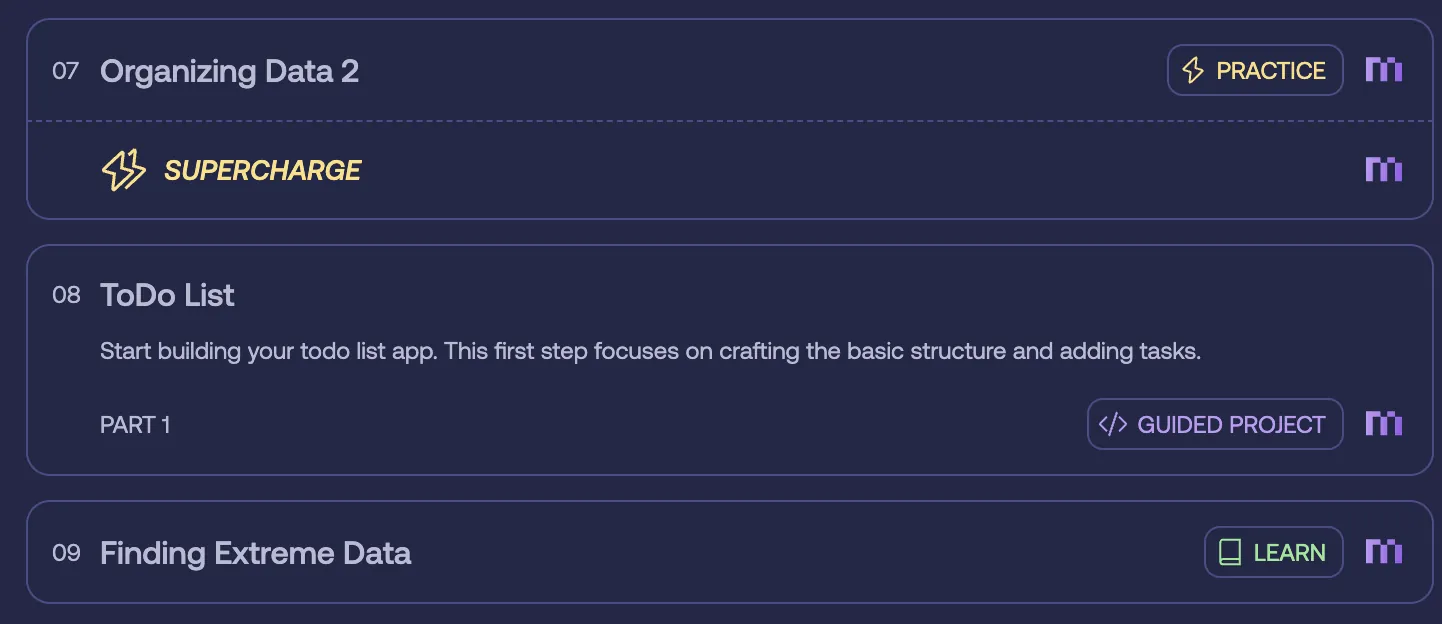
The project begins with basic task management and grows more complex as you add features. You can expand it by adding due dates, categories, or even saving tasks to a file so they don’t disappear when you close the program.
Since this is part of Mimo’s Python Development career path, you’ll get interactive coding exercises, instant feedback, and project guidance all in one place. Plus, you’ll be able to add this project to your GitHub portfolio along with 7 other projects you’ll build throughout the course.
Skills developed:
- Working with Python lists (adding, updating, and deleting items)
- Handling user input and basic error-checking
- Building a simple menu interface
- Understanding program flow and basic app logic
2. The Food Order System
- Best for: Beginners who’ve completed the Lists module in Mimo’s Python Development career path. You’ll build this in the Functions section, with step-by-step guidance.
The Food Order System project is also available via Mimo’s Python Development career path.
It teaches you how to create a working food-ordering application. In part one, you’ll build a basic Italian food ordering system for pizzas and pasta.
Then, in part two, you’ll expand it to include more cuisines, making the system more complex and feature-rich.
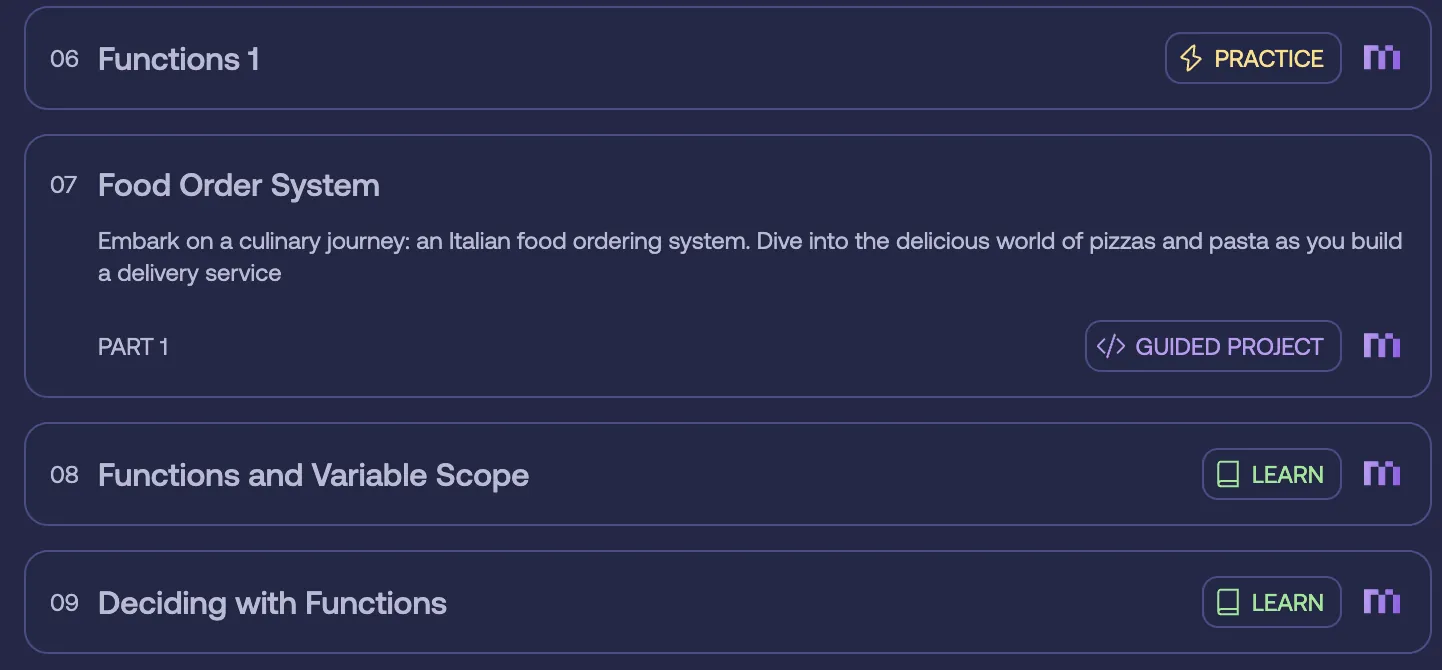
Like all Mimo projects, you’ll write this code directly within the interactive platform. The project is broken down into manageable chunks, teaching you how functions and object-oriented programming work in a real-world context.
Skills developed:
- Defining and utilizing Python functions effectively
- Managing data flow in an application
- Building user-friendly interfaces
- Working with multiple menu options and prices
- Object-oriented programming basics
3. Word Raider
- Best for: Python beginners who want to build their first game while practicing core programming concepts.
Word Raider is an interactive word-guessing game where you’ll use fundamental Python concepts like loops, conditionals, and file handling.
You’ll start by setting up a word bank, then build the game logic to process user guesses and provide feedback.
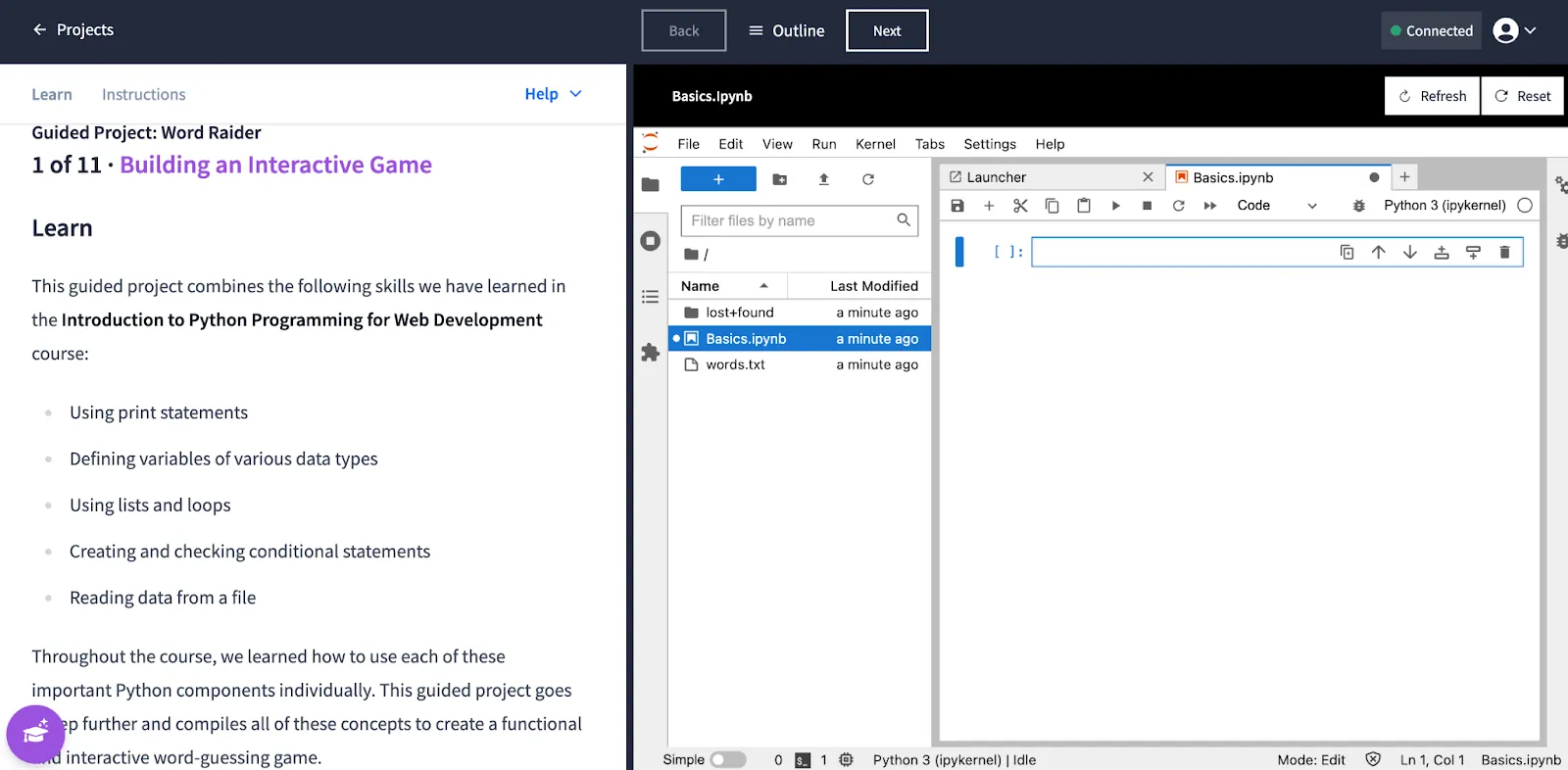
The step-by-step process helps you understand how each piece of code contributes to the final game, making it perfect for learning while building something fun.
Skills developed:
- String manipulation and list operations
- Using loops and conditional statements
- Reading and handling files
- Creating interactive user experiences
- Building game logic step by step
4. Roguelike Game
- Best for: Beginners who want to create their first real game and learn game development basics using Python and TCOD library.
The “Yet Another Roguelike Tutorial” walks you through building a roguelike game (think dungeon crawler) from scratch in 13 parts.
Like in many other beginner projects, you’ll start with basic setup and gradually add features like dungeon generation, combat systems, and character movement.
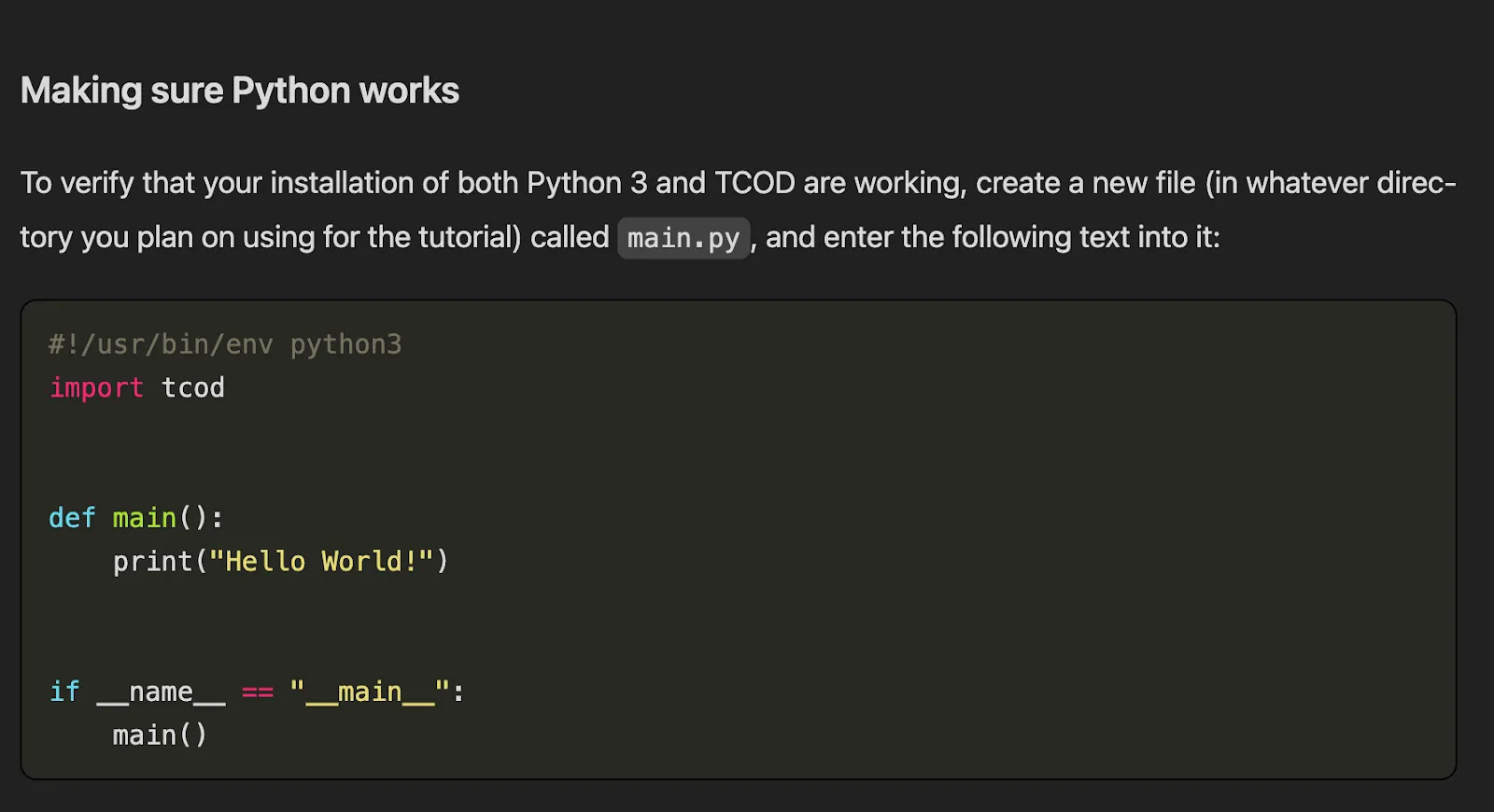
The project is broken into multiple manageable chunks, so you won’t get overwhelmed.
Skills developed:
- Game development fundamentals
- Working with external libraries (TCOD)
- Creating game maps and dungeons
- Building combat and inventory systems
- Implementing saving/loading features
5. Python Full-Stack E-Commerce Project
- Best for: Beginners who know Python basics and want to build their first complete web application using Django.
This project teaches you how to create a complete e-commerce website using Python and Django, a popular web framework. You’ll build everything from user authentication to product listings and shopping carts.
The tutorial includes video guidance and source code, making it easier to follow along.
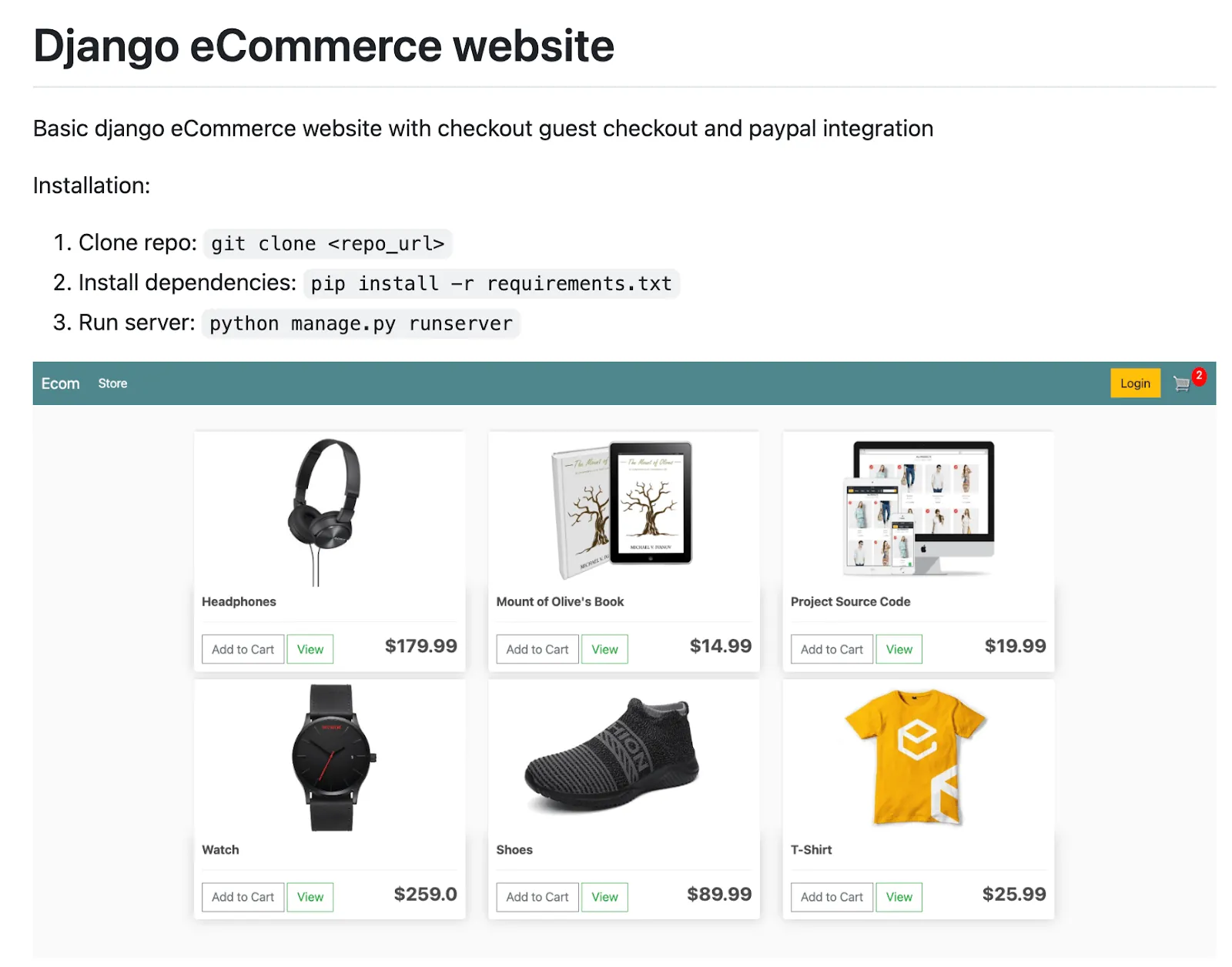
You’ll learn how real e-commerce sites work and get hands-on experience with web development concepts that employers look for.
Skills developed:
- Full-stack web development with Django
- Database management
- User authentication
- Shopping cart functionality
- Payment processing
- Deployment basics
6. Star Wars API
- Best for: Beginners learning to work with APIs in Mimo’s Python Development career path.
The Star Wars API project lets you interact with real-world data from the Star Wars universe.
You’ll learn to fetch character data from an API, let users choose how many characters to download, and explore the information.
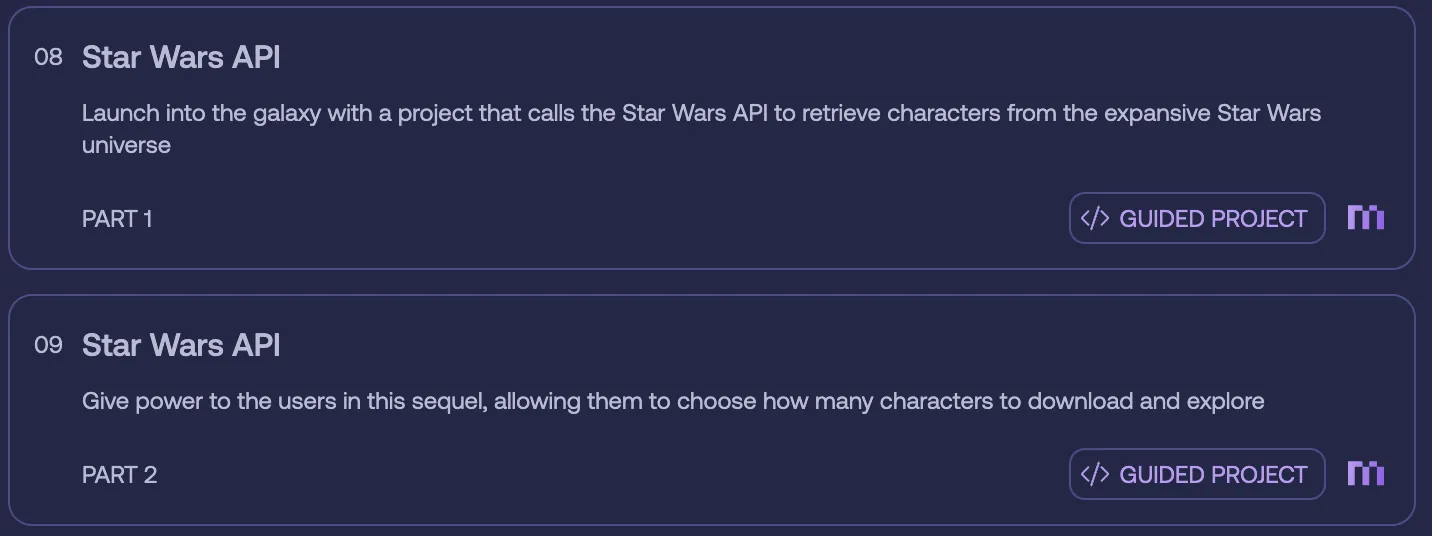
You’ll also get instant feedback as you figure out how to make HTTP requests with the requests library, read JSON data, handle errors, and create user interfaces.
Skills developed:
- Making HTTP requests with Python
- Working with JSON data
- Handling user input and errors
- Formatting and displaying API data
- Using Python’s requests library
7. Word Guessing Game in Python
- Best for: Complete beginners who want to build their first Python game while learning core concepts.
This word-guessing game works like Hangman—players try to guess a word one letter at a time. Users get 12 attempts to guess the word correctly.
You’ll create the game logic, track player guesses, and provide feedback on correct and incorrect answers.
You’ll also use Python’s random module to select words from a list, handle user input for guesses, and create simple game mechanics.
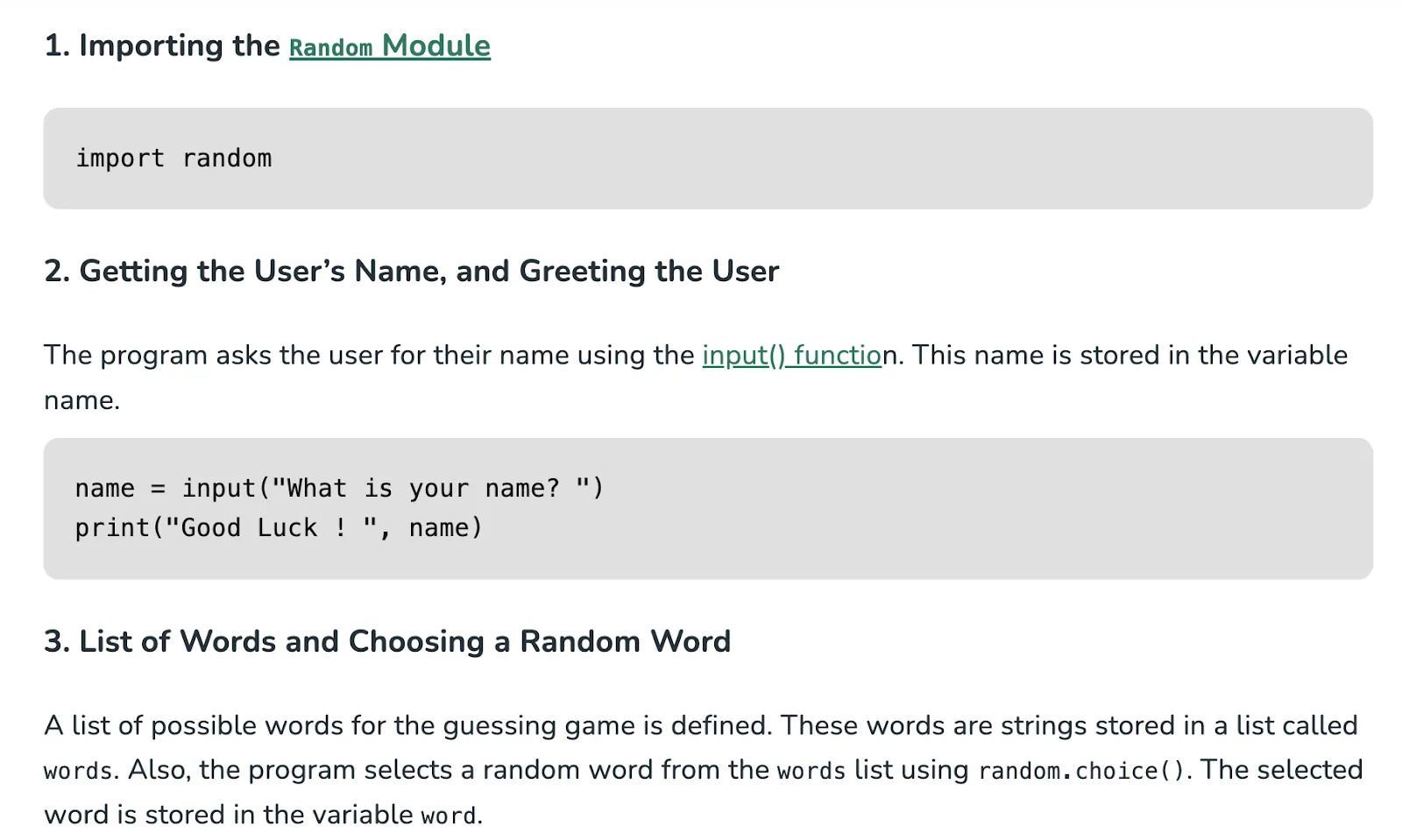
It’s a great way to practice Python basics while building something fun and playable. This project shares similarities with a number guessing game but focuses on letters and words instead of numbers.
Skills developed:
- Working with strings and lists
- Using loops and conditionals
- Random number generation
- User input handling
- Basic game logic creation
8. Transaction Analyzer
- Best for: Beginners learning data analysis in Mimo’s Python Development career path.
The Transaction Analyzer project is also available via Mimo. It’s a tool that helps users track their spending by analyzing bank transactions.
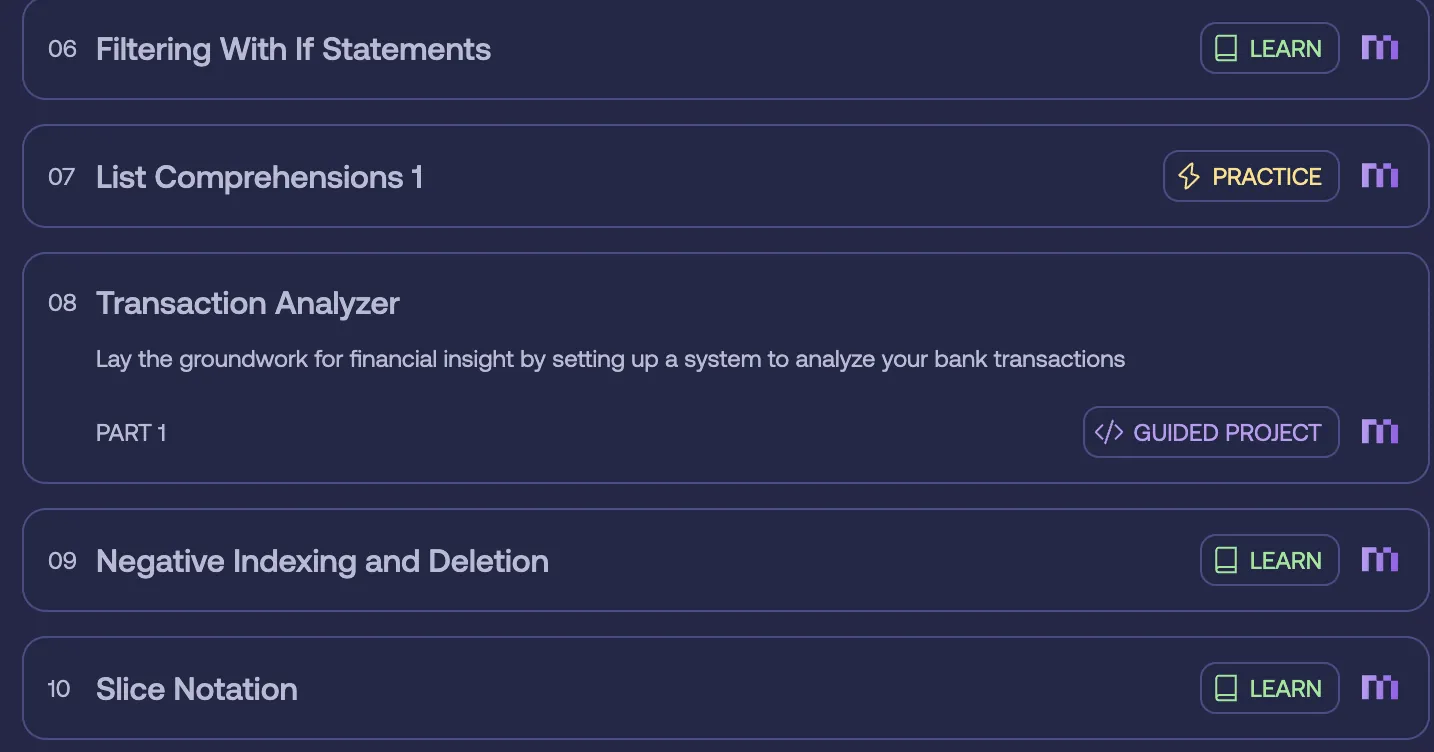
You’ll build a system that processes transaction data, categorizes expenses, spots trends, and gives insights into spending habits.
By the end, you’ll have a working financial analysis tool that can process transactions and show spending patterns.
Skills developed:
- String manipulation for data processing
- List operations for data filtering
- Function creation for reusable code
- Working with dates and numbers
- Basic data analysis techniques
9. Python Chatbot Project
- Best for: Beginners who want to try AI and natural language processing with Python.
This chatbot project uses deep learning to understand and respond to user messages. You’ll build a chatbot that can classify user messages into categories and give relevant responses.
The project uses NLTK and Keras libraries to handle natural language processing.
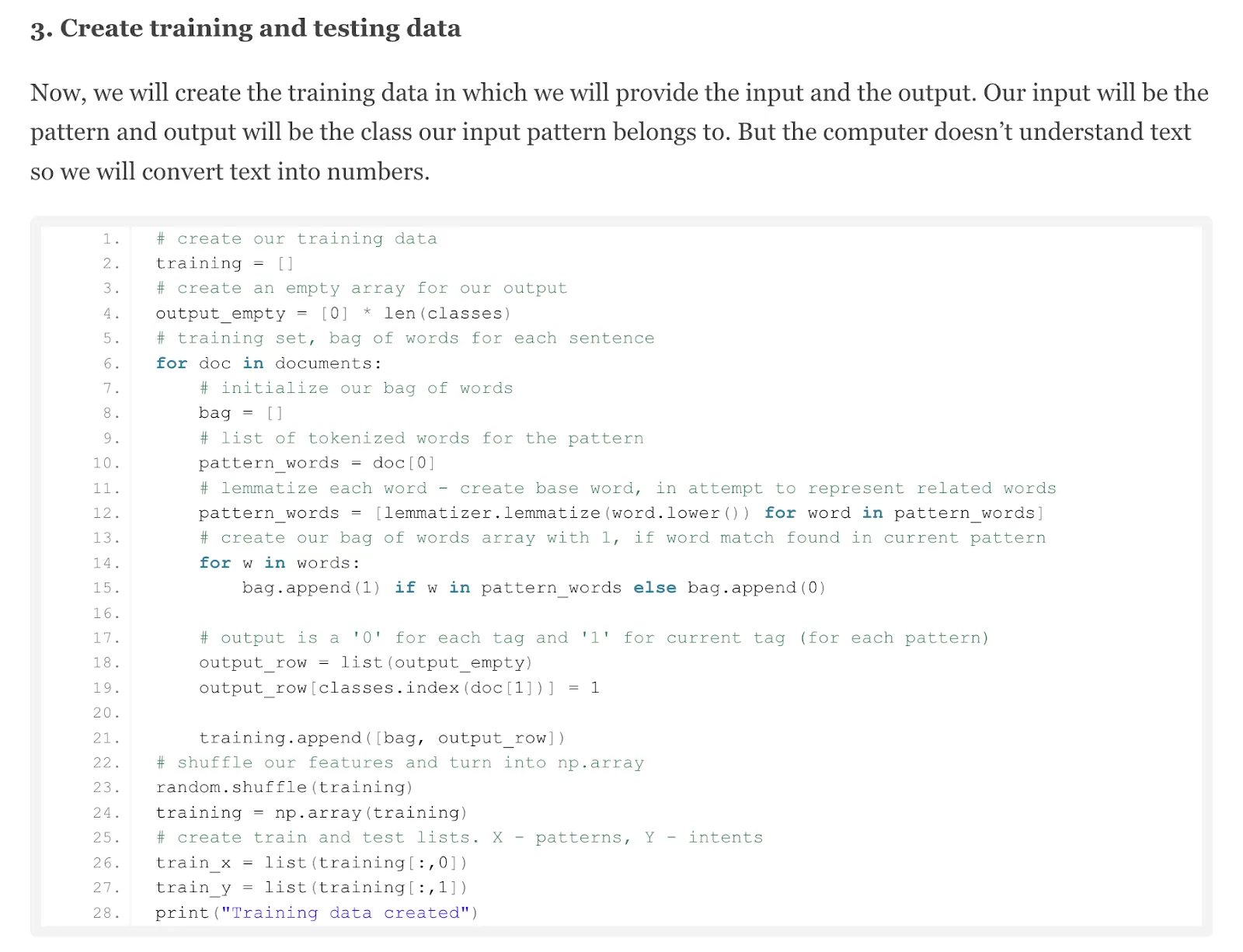
You’ll learn how chatbots work by training a neural network on a dataset of intents, patterns, and responses. This introduces artificial intelligence concepts and machine learning algorithms in an accessible way.
Even though it uses complex AI concepts, the tutorial breaks everything down into easy-to-follow steps.
If a step fails, keep in mind that older tutorials can need small updates to work with current library versions. Installing the libraries in a virtual environment keeps them separate from your other projects.
Skills developed:
- Basic natural language processing
- Working with external libraries
- Training simple neural networks
- Processing and cleaning text data
- Building conversational interfaces
10. Star Wars Survey
- Best for: Beginners who want to try data analysis with real-world information using Python and pandas.
In this project, you’ll analyze survey data from FiveThirtyEight about Star Wars fans.
It teaches you how to handle actual survey responses and turn them into useful insights. You’ll use Python and pandas to clean messy data, map values, and find out which Star Wars films people like most.
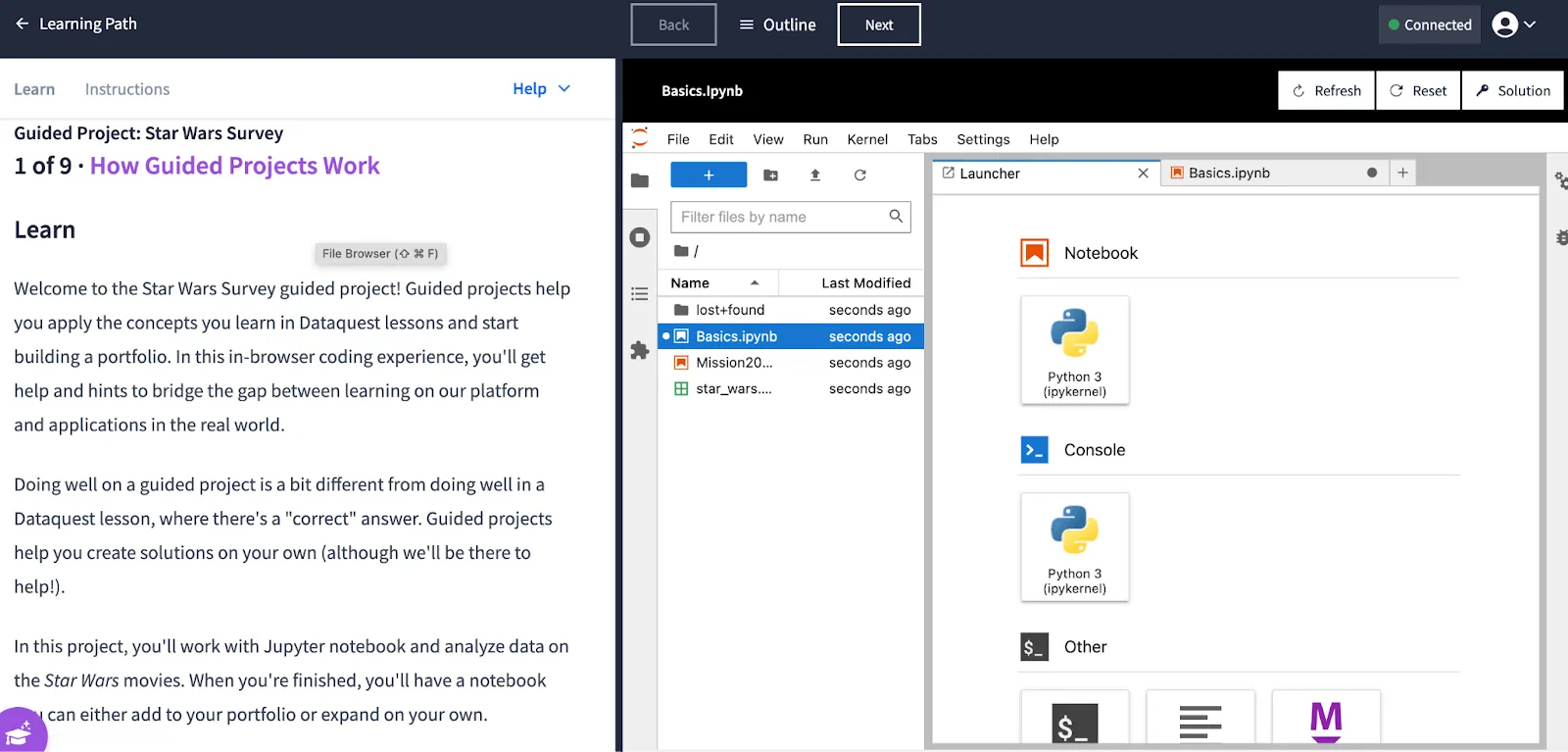
The tutorial guides you through each step—from cleaning yes/no answers to finding the highest-rated movies.
Skills developed:
- Data cleaning with pandas
- Working with survey data
- Converting data types
- Computing basic statistics
- Analyzing data by demographics
- Creating data insights
Best free Python projects for beginners
While there’s a mix of paid and free projects throughout this guide, here are a few more free, fun Python projects we love. Some sites ask you to create a free account before you can start. Each also comes with detailed tutorials and guidance to help you build them from start to finish.
11. Build a Simple Blockchain in Python
- Best for: Beginners who know basic Python and want to understand how blockchain works through coding.
This project helps you understand blockchain technology by building a simple one yourself.
You’ll create a chain of blocks that can store any type of data, connected using hashes. The tutorial assumes you know some Python basics and understand how HTTP requests work.
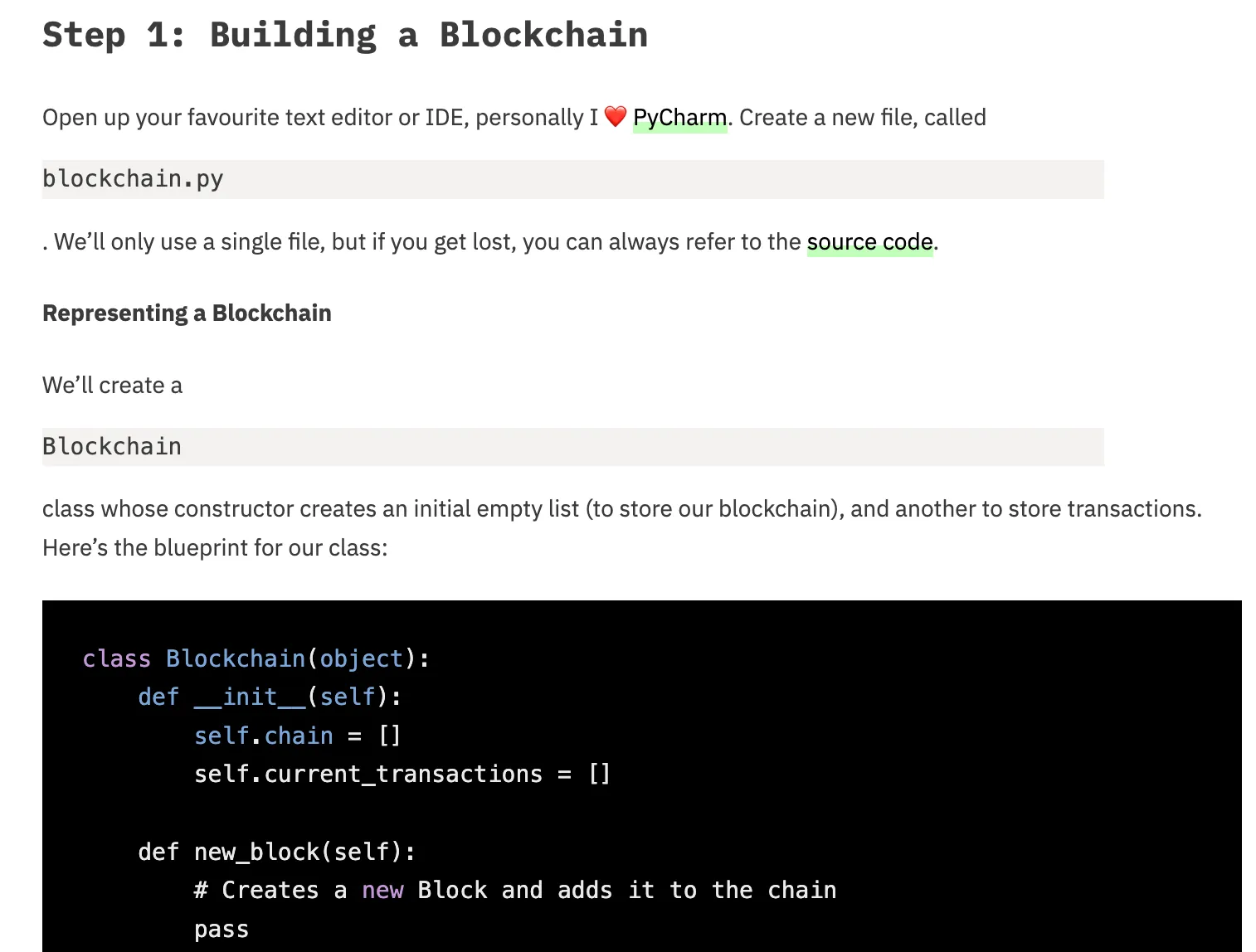
The project uses Flask for creating HTTP endpoints and the Requests library to interact with your blockchain, showing you how real blockchain applications work.
If a step fails, keep in mind that older tutorials can need small updates to work with current library versions.
Skills developed:
- Understanding blockchain basics
- Working with Flask web framework
- Making HTTP requests
- Handling JSON data
- Basic cryptography concepts
12. Python Weight Converter
- Best for: Complete beginners who want to build their first program with a graphical user interface (GUI)—meaning windows, buttons, and text boxes users can click on.
The Weight Converter lets users convert weights between different units—like kilograms to ounces, pounds, and grams. You’ll create a simple window with input fields and conversion buttons using Python’s Tkinter library.
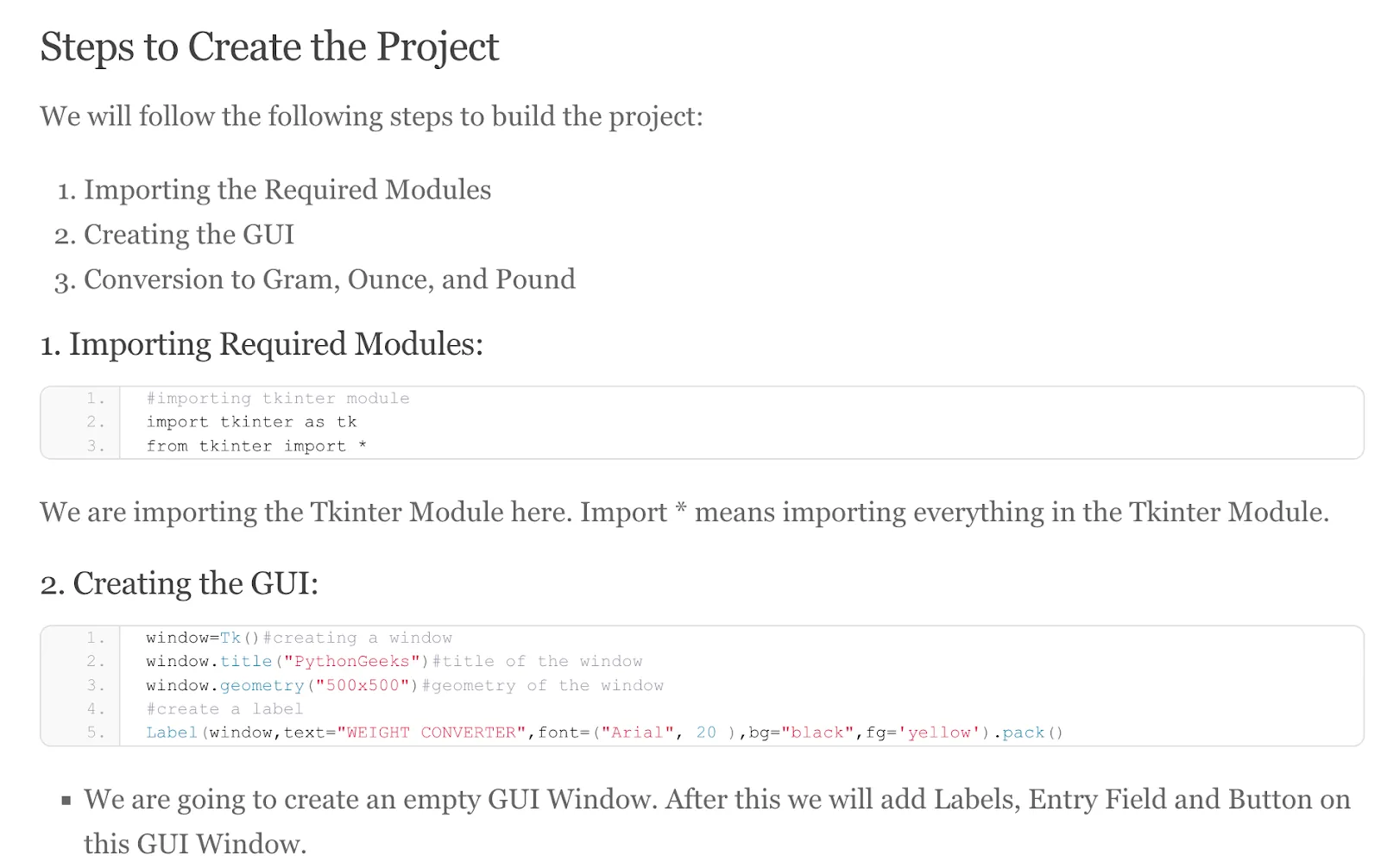
This project shows you how to make a basic program with a visual design instead of just text commands. You’ll build a simple but useful tool that anyone can use to convert weights. For more on windows and buttons, see our guide on how to make a GUI in Python.
Tkinter is included in the installers from python.org for Windows and macOS, but it may need a separate package on Linux (python3-tk) and on Homebrew Python (python-tk).
Skills developed:
- Creating programs with clickable buttons
- Making text boxes for user input
- Handling button clicks
- Performing weight calculations
- Basic screen layout design
13. Contact Address Book Project
- Best for: Beginners who want to build their first program that saves and manages data with a visual interface.
The Contact Address Book lets you store and manage contact information like names and phone numbers.
You’ll create a program where users can add new contacts, edit existing ones, delete entries, and view their contact list.
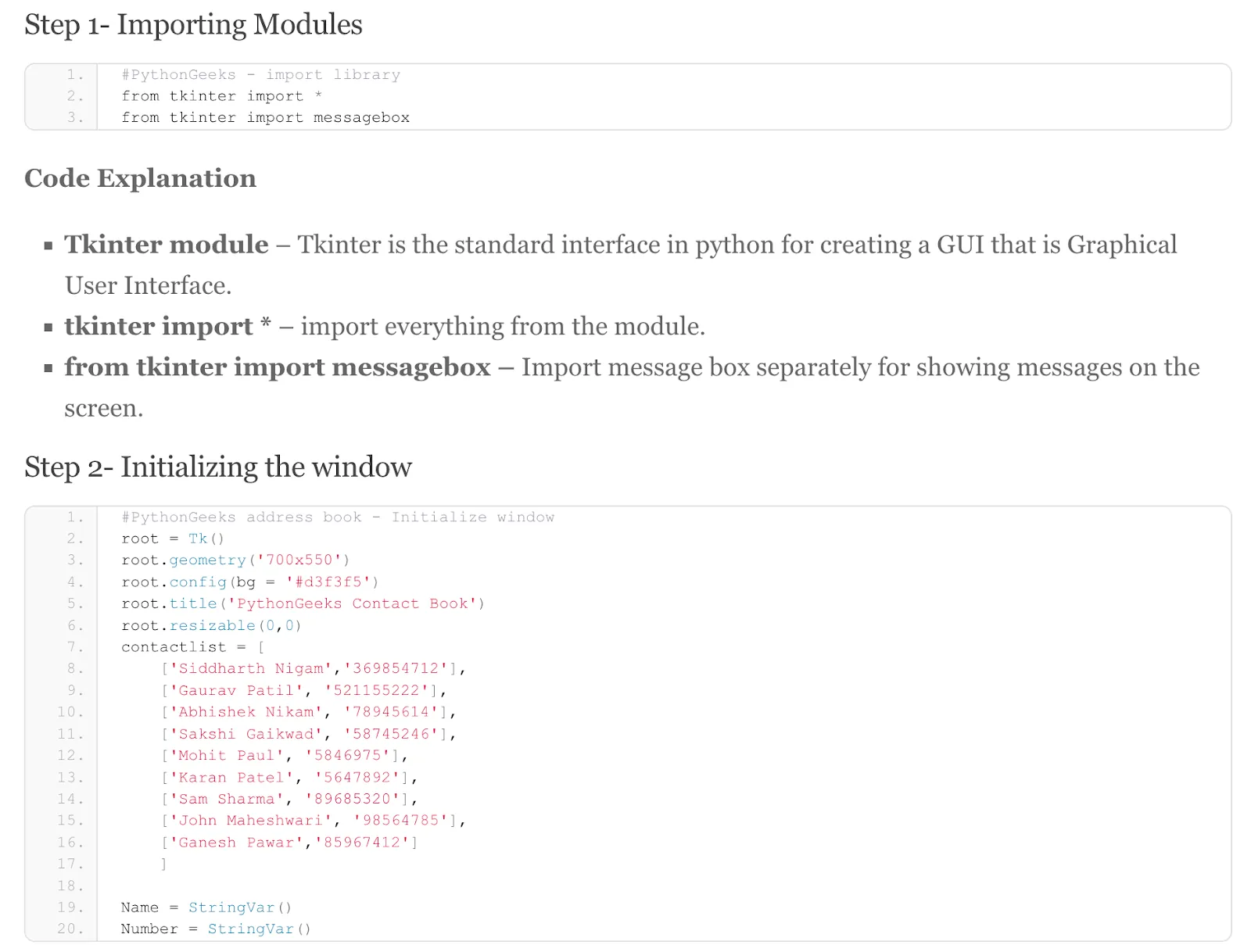
This project also uses Python’s Tkinter library to create a window-based program with buttons and menus. But unlike simpler options, this one teaches you how to save data permanently—your contacts will still be there when you restart the program.
Skills developed:
- Creating programs with buttons and menus
- Storing and managing data
- Building search functions
- Making forms for user input
- Basic data organization
14. Prison Break
- Best for: Beginners who want to try data analysis with a unique real-world dataset.
The Prison Break project uses actual data about helicopter prison escapes. You’ll work in Jupyter Notebook to explore when and where these escapes happened.
The project guides you through cleaning the data, finding patterns, and creating a story from your findings.
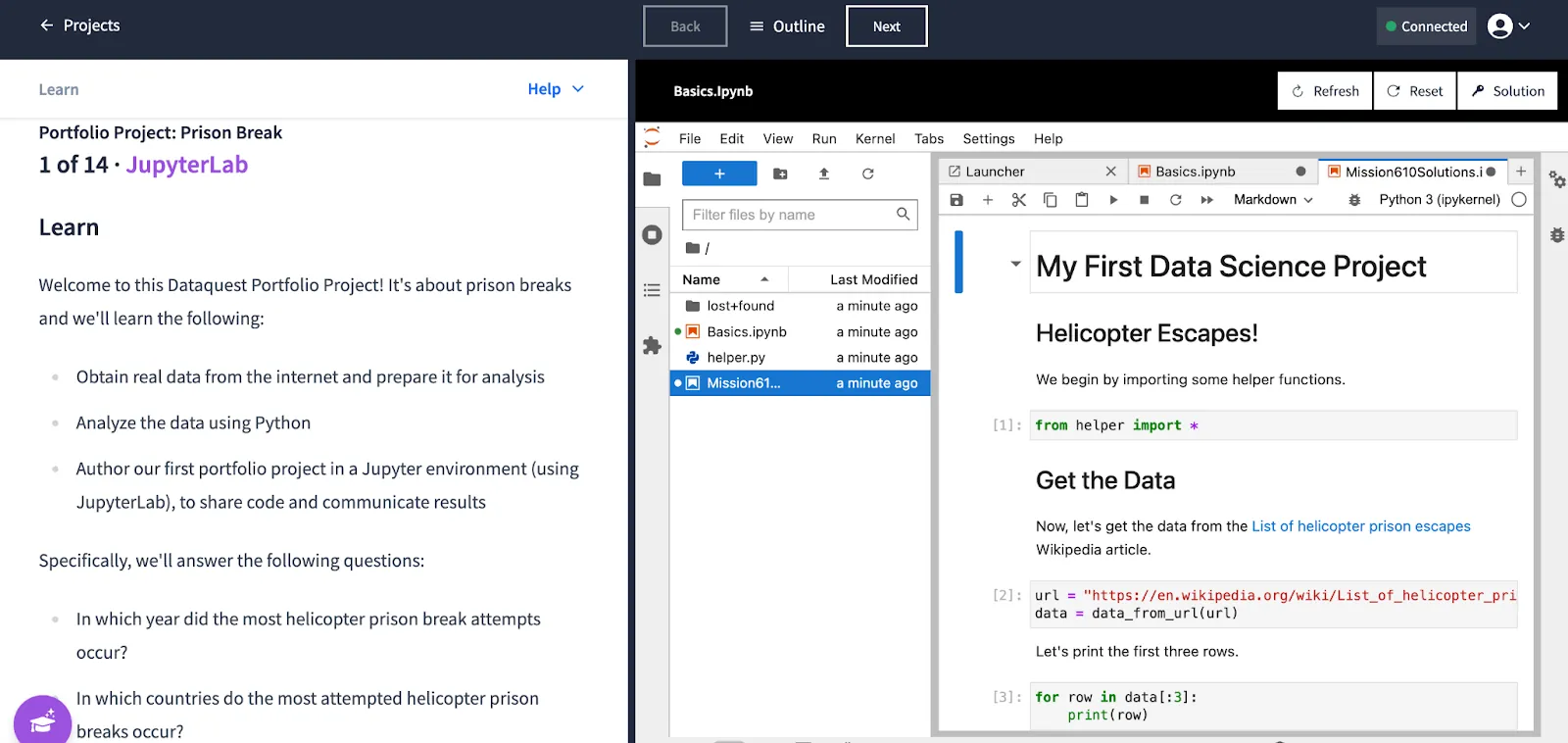
You’ll learn how data analysts work with real datasets—from loading messy data to discovering trends like which years had the most escape attempts.
It’s a fun way to learn serious data analysis skills.
Skills developed:
- Using Jupyter Notebook
- Cleaning and organizing data
- Finding patterns in dates
- Creating data summaries
- Basic data visualization
- Telling stories with data
15. Payment Receipt Generator
- Best for: Beginners who want to create a practical business-oriented tool for generating PDF documents with Python.
This project helps you create professional-looking payment receipts using Python’s reportlab library.
You’ll build a program that takes payment details and turns them into properly formatted PDF receipts. Which can be useful for any business that needs to give customers proof of payment.
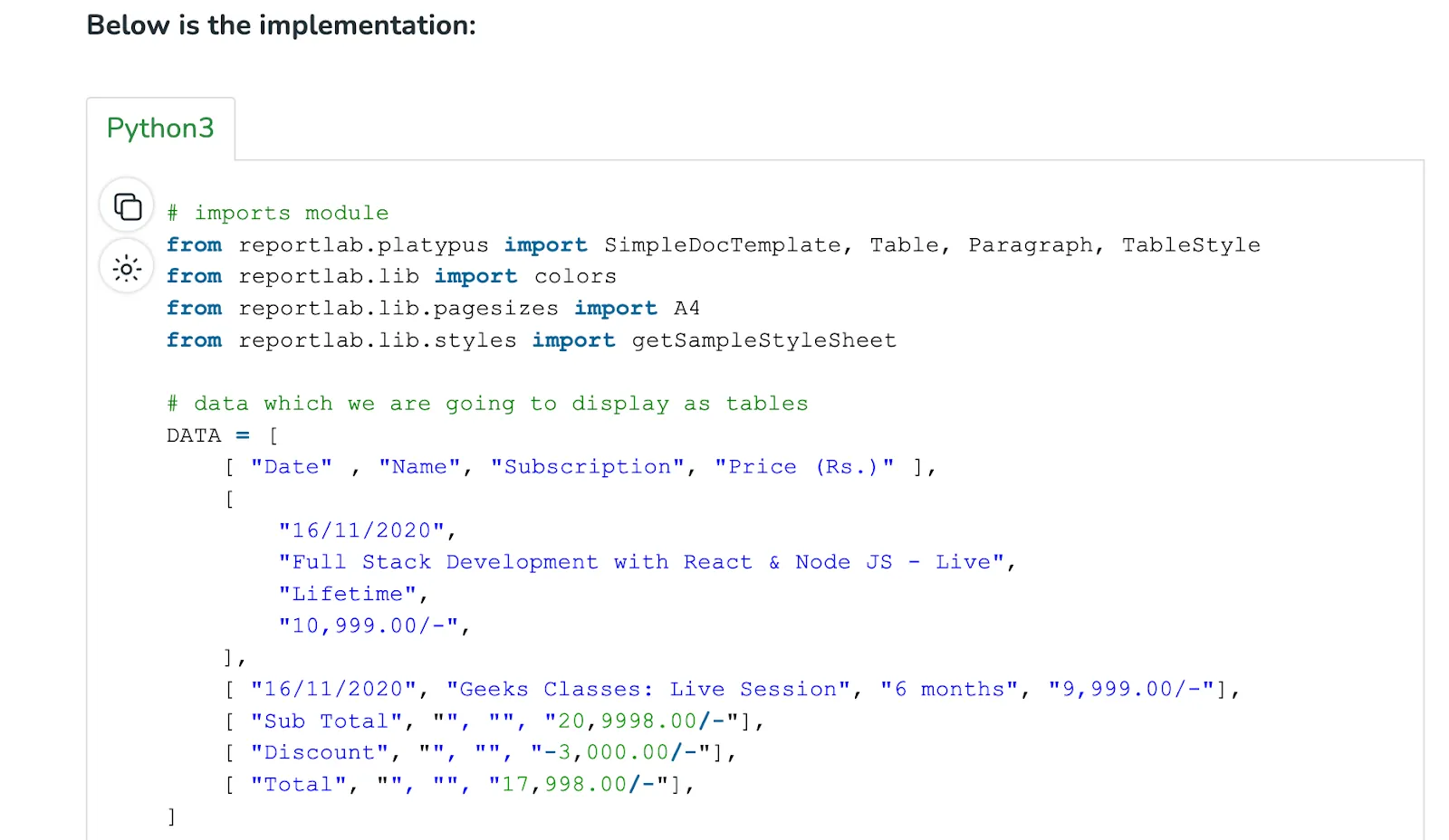
The tutorial shows you how to work with PDFs in Python, covering creating the basic layout, adding payment details in the right spots, etc.
Skills developed:
- Working with PDF files in Python
- Creating document templates
- Formatting text and numbers
- Handling dates and currencies
- Basic document design
16. Python File Organizer App
- Best for: Beginners who want to automate a common computer task using Python.
The Python File Organizer project teaches you to build a program that automatically sorts files into folders based on their type. Like moving all images to an Images folder and documents to a Documents folder.
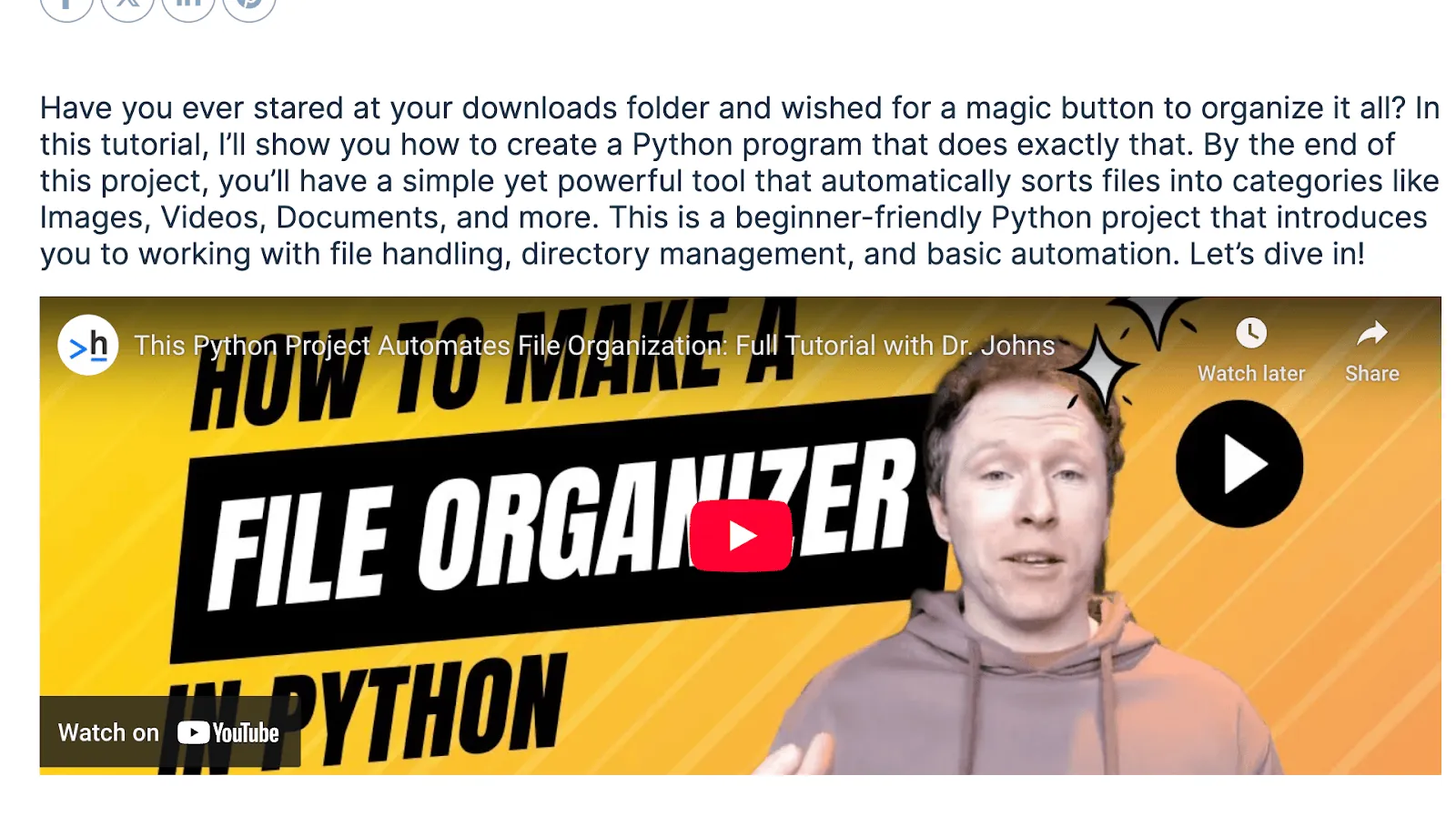
It’s a great way to learn how Python can automate boring tasks and keep your computer organized without manual work. This project runs from the command-line and demonstrates practical automation algorithms. If you enjoy this kind of task, our guide to Python scripting for beginners has more ideas.
Skills developed:
- Working with files and folders
- Automating repetitive tasks
- Identifying file types
- Creating and managing directories
- Basic file system operations
Best AI Python projects for beginners
Finally, we added some extra beginner-friendly AI projects that’ll help you master machine learning basics.
These projects use bigger libraries and more data than the ones above. So, we recommend checking these projects out once you acquire enough beginner Python skills.
17. Image Classifier
- Best for: Beginners who want to build their first AI project that tries to tell real photos from AI-generated ones.
The AI Image Classifier Python project is a GitHub repo where you train a model to tell real images from AI-generated ones.
Using machine learning and TensorFlow, you’ll create a program that analyzes photos and guesses whether they were made by AI or taken with a camera. Treat it as an experiment and a learning exercise, not a reliable way to detect AI images.
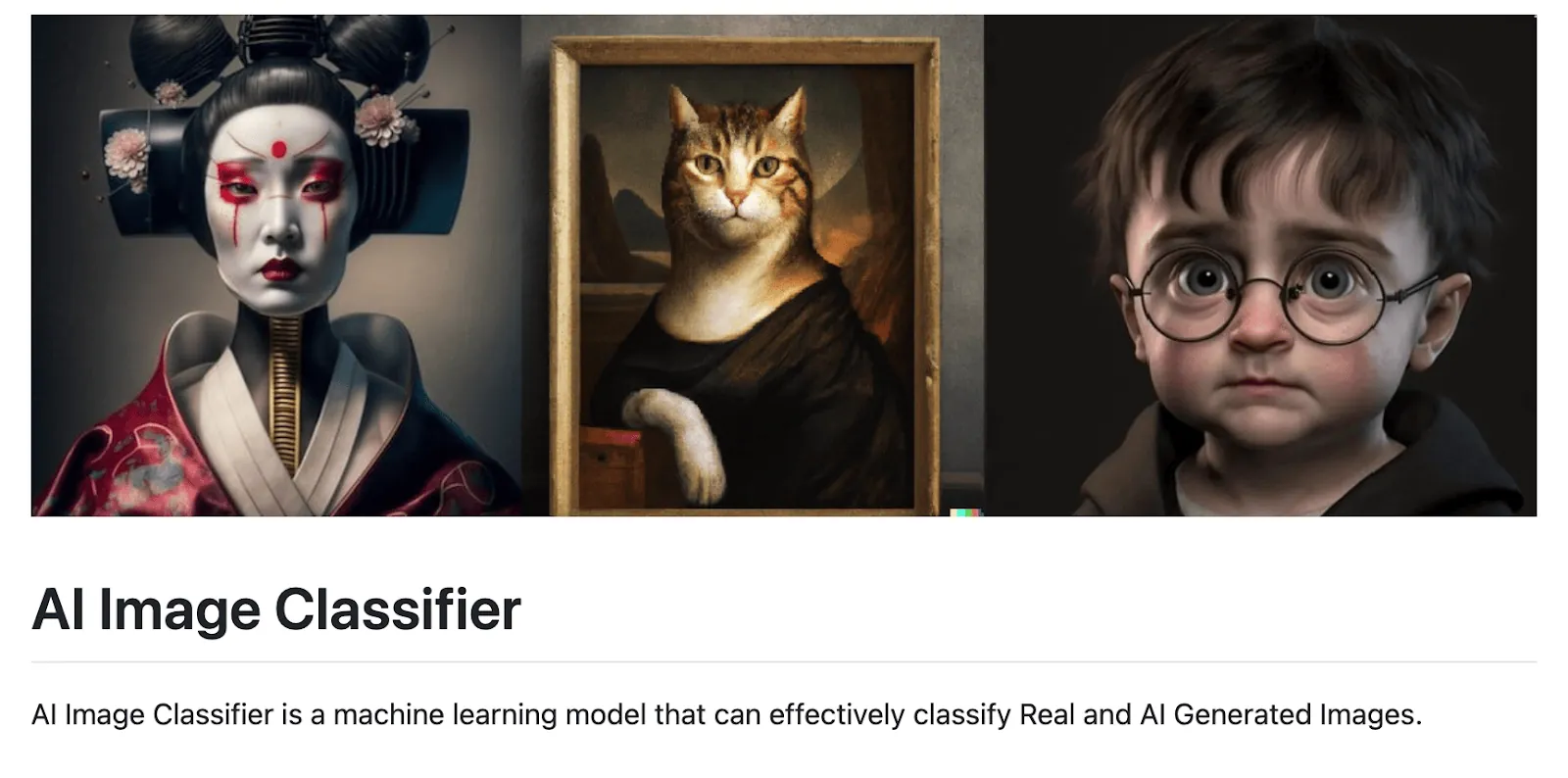
This is a code repo, not a step-by-step tutorial, so expect to read through the code yourself. You also need TensorFlow installed, which is a bigger first install than the other projects here.
You’ll train your model on a large set of images, learning core machine learning concepts along the way.
Skills developed:
- Basic machine learning concepts
- Working with image data
- Using TensorFlow library
- Training AI models
- Processing large datasets
18. Stock Price Predictor
- Best for: Beginners interested in financial data and machine learning with Python.
This GitHub repo is a write-up of a project that tries to predict stock prices from historical data, using Google stock data as an example.
It only contains partial code. The author offers the full project code by email, so use it as a walkthrough of the idea rather than a project you can copy and run.
It’s a learning exercise for working with historical data, not a tool that gives you useful future prices. Don’t use it for investment decisions.
Skills developed:
- Working with financial data
- Time series analysis
- Using machine learning for predictions
- Data visualization
- Basic market analysis
19. Spam Email Detector
- Best for: Beginners who want to try AI text analysis and build something useful.
Finally, the Spam Email Detector project teaches you to build an AI program that can spot spam emails using the Naive Bayes approach.
Your application will learn to identify spam emails by analyzing their content and patterns. Naive Bayes is a classic way to learn text classification.
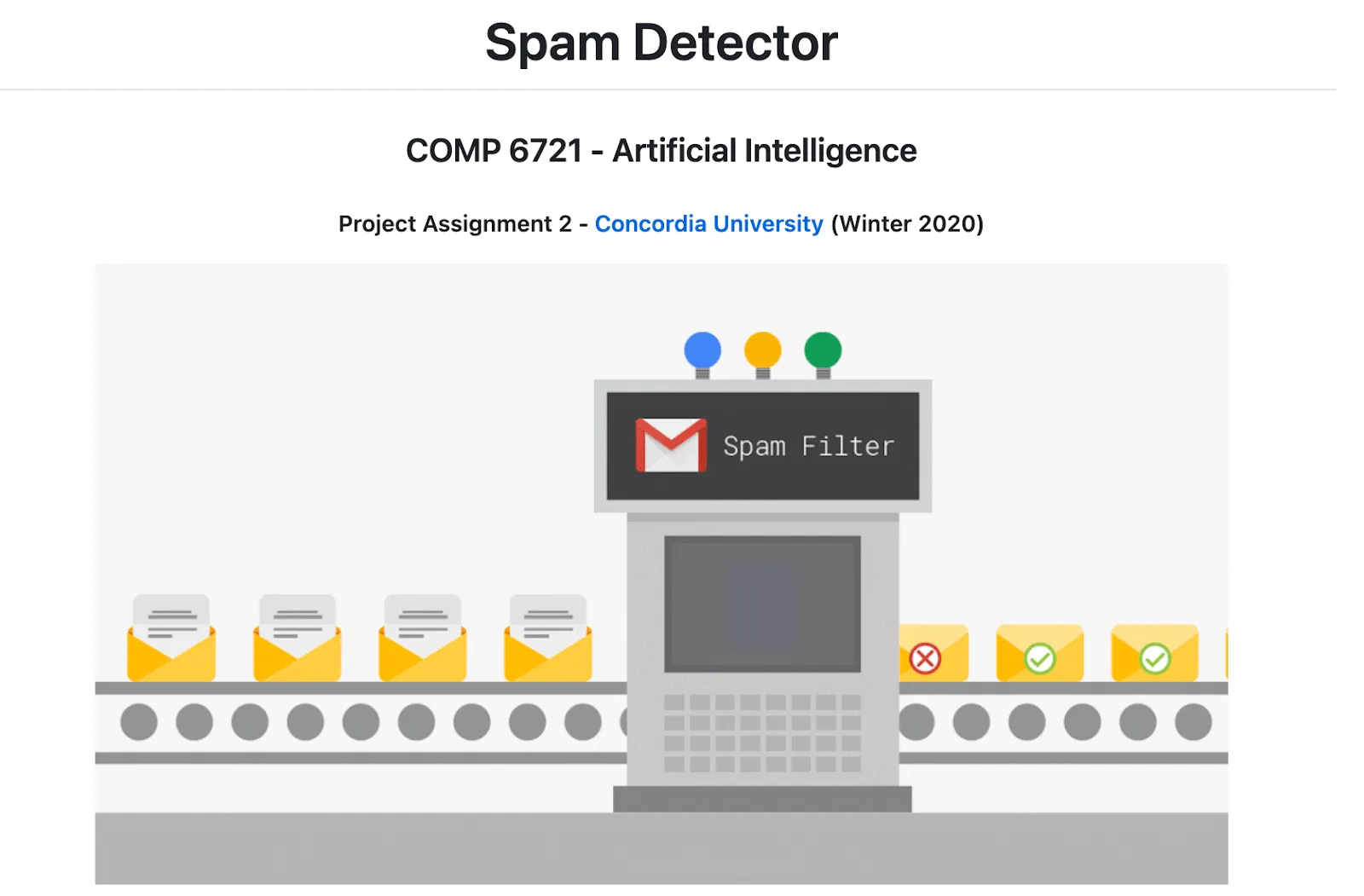
It’s an excellent way to learn how to process text data and train an AI model to make decisions.
Skills developed:
- Text processing
- Basic AI classification
- Working with email data
- Training machine learning models
- Data cleaning and preparation
Simple Game Projects for Beginners
Here are some additional fun Python projects focused on game development that beginners can tackle. Two of them come with complete code you can run right away. They only use Python’s standard library, so there’s nothing extra to install (Pygame below is the exception).
How to run these programs:
- Install Python if you don’t have it yet.
- Paste the code into a code editor or plain text editor and save it with the file name shown, like
number_guess.py. - Open a terminal in the same folder and run the file. On macOS and Linux, type
python3 number_guess.py. On Windows, typepy number_guess.py. Ifpyisn’t found on Windows,pythonworks too. Our guide on how to run a Python script walks through each step.
Tic-Tac-Toe Game
Building a tic-tac-toe game is perfect for learning game logic and algorithms. You’ll create a 3×3 grid, handle player moves, and check for winning conditions. This project teaches you how to store the board as a list of lists and manage the game state.
Number Guessing Game
A number guessing game helps you practice loops, conditionals, and random number generation. Players try to guess a secret number while receiving hints about whether their guess is too high or too low.
Save this as number_guess.py:
import random

num = random.randint(1, 100)
tries = 0
print("Guess a number 1-100.")

while True:
    ans = input("> ").strip()
    try:
        guess = int(ans)
    except ValueError:
        print("Digits only.")
        continue

    tries += 1
    if guess < num:
        print("Too low!")
    elif guess > num:
        print("Too high!")
    else:
        print("You got it!")
        print("Tries:", tries)
        break
random.randint(1, 100) picks the secret number. The while loop keeps asking until the guess is right. try and except catch answers that aren’t whole numbers, like abc or 4.5, so the game asks again instead of crashing. while True repeats until break ends it, tries += 1 counts each valid guess, and .strip() removes stray spaces from the answer.
Run it with python3 number_guess.py (or py number_guess.py on Windows). Here’s a sample game. Your result may differ from this example:
Guess a number 1-100.
> 50
Too high!
> 4.5
Digits only.
> 25
Too low!
> 42
You got it!
Tries: 3
Make it yours: give the player only 7 guesses, then reveal the number.
Dice Rolling Simulator
Create a dice rolling application that simulates rolling one or multiple dice. This project introduces random numbers in Python and can be expanded to include different types of dice and probability calculations.
Countdown Timer
Build a countdown timer that counts down from a specified time and alerts the user when time is up. This project teaches you about time handling, like pausing with time.sleep(), and real-time updates in Python applications.
Password Generator
Develop a password generator that creates secure passwords with customizable length and character sets. This project combines random selection algorithms with string manipulation and security concepts.
Save this as password_generator.py:
import secrets
import string

pool = (string.ascii_letters
        + string.digits
        + string.punctuation)

print("Password length?")
print("Press Enter for 16.")
while True:
    ans = input("> ").strip()
    if ans == "":
        size = 16
        break
    try:
        size = int(ans)
    except ValueError:
        print("Digits only.")
        continue
    if size >= 8:
        break
    print("Too short, min 8.")

pw = ""
for _ in range(size):
    pw += secrets.choice(pool)
print("Password:", pw)
pool holds every letter, digit, and symbol the password can use. The program uses the secrets module instead of random, because secrets is made for passwords and other security-sensitive values. The while True loop asks until the answer is valid, continue asks again, and for _ in range(size) repeats once per character (the _ means we don’t need the counter).
Run it with python3 password_generator.py (or py password_generator.py on Windows). Your result may differ from this example:
Password length?
Press Enter for 16.
> 5
Too short, min 8.
> 12
Password: 7C-ixf:3eZrc
Make it yours: let the user choose whether to include symbols, since some websites don’t accept them.
Pygame Projects
Pygame is a popular library for creating games in Python. You can build simple arcade-style games, animations, or interactive applications. Pygame projects help you understand graphics programming and event handling in the programming language.
Pygame isn’t part of the standard library. Install the community edition, pygame-ce, with pip: py -m pip install pygame-ce on Windows, or python3 -m pip install pygame-ce on macOS and Linux. It’s a maintained fork of Pygame, and your code still starts with import pygame. On macOS and Linux, it’s best to install it inside a virtual environment, because the system Python can refuse a global pip install.
How to find more beginner Python project ideas
Building projects is essential if you want to learn Python, but finding the right idea can be tricky.
The guided projects we shared can be a great starting point.
But as you progress, you can also come up with your own ideas and build a portfolio with real-world projects. Here are some tips on how to do it:
- Automate your work tasks: Look at repetitive things you do at work—like renaming hundreds of files, updating spreadsheets, or generating reports. Build a Python script to do these tasks for you.
- Build tools for others: Ask your colleagues or friends what takes too much time in their work or studies. A marketer might need help downloading campaign data, or a teacher could use a tool for grading assignments. Real problems make great projects.
- Start with hobbies: For example, are you into photography? Build a tool to rename and organize photos.
- Improve tutorial projects: You can also build on the tutorial projects by adding more features. For instance, take a basic calculator and add scientific functions, or upgrade a weather app to show weekly forecasts.
- Use ChatGPT (or another AI chatbot) for ideas: Tell ChatGPT about your job and interests: “I’m a marketer learning Python. What could I automate?” or “I love chess and want to build my first Python project.” It will suggest specific projects matching your background.
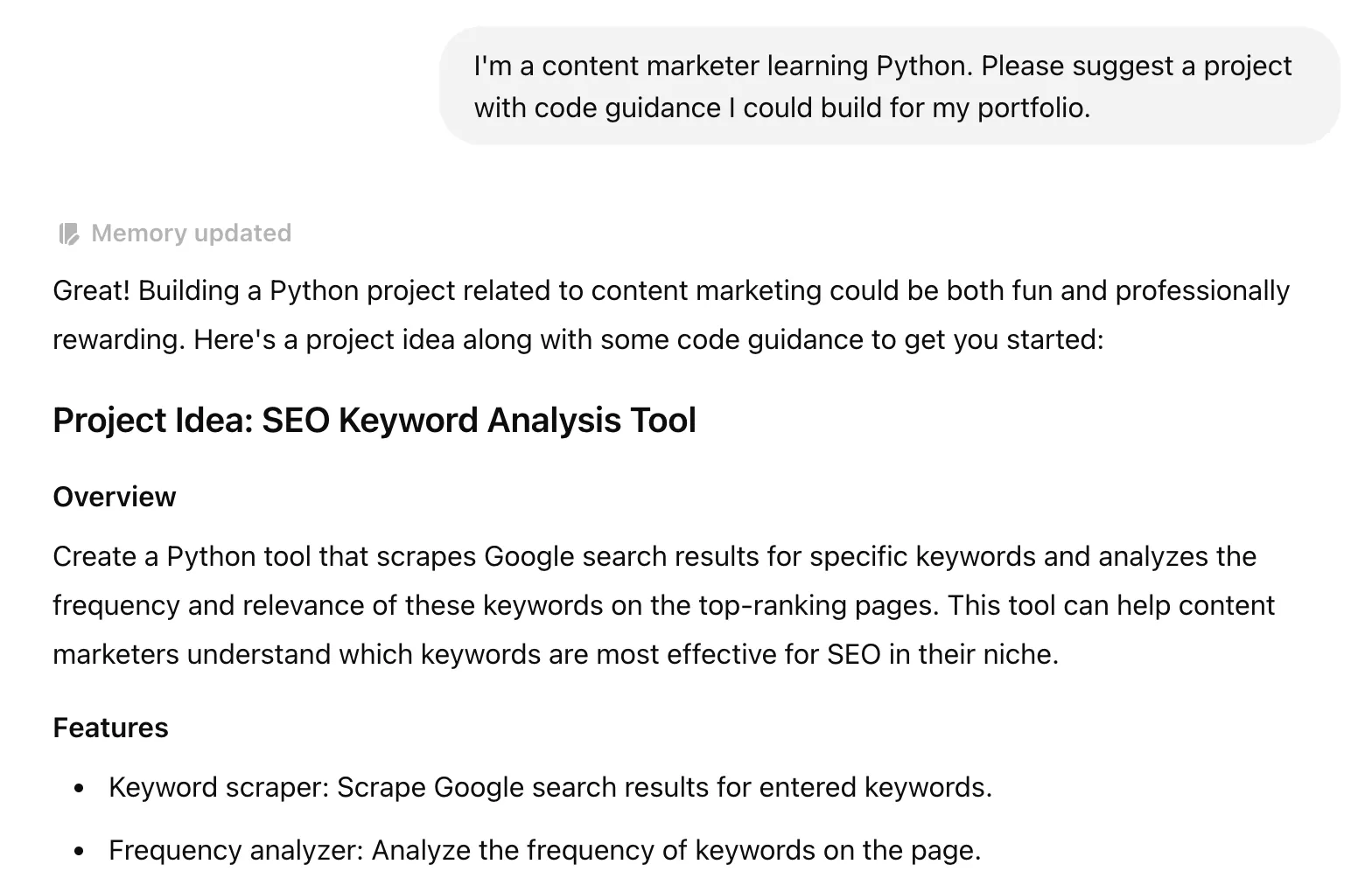
If you’re still unsure where to start, it helps to follow a structured learning plan before jumping into projects. Our guide on learning Python for free covers beginner-friendly resources to build your coding foundation before taking on real-world projects.
FAQs
What are Python projects for beginners?
Beginner Python projects are simple programs that help you practice basic coding concepts. Think To-Do lists, calculators, or simple games—projects that solve real problems without complex code.
What is the easiest project in Python?
When starting with Python projects, focus on simple programs that you can finish in a few hours. It could be things like games, calculators, or basic automation scripts. These teach you core concepts while giving you the satisfaction of completing something useful.
When can you start building Python projects?
You don’t need to wait until you’ve mastered Python. Once you understand how to use variables, write basic functions, work with lists, and use if-statements and loops, you are ready to start building beginner projects.
Which Beginner Python Projects Belong in Your GitHub Portfolio?
The best beginner Python projects for GitHub are the ones that show practical problem-solving, not just completed tutorials.
Projects like a to-do list app, calculator, expense tracker, password generator, or file organizer work well because they demonstrate core programming skills like functions, loops, conditionals, and working with user input. Small automation projects can also stand out because they solve real problems.
Employers care less about project size and more about whether you can explain how you built it and why. A simple project you understand fully is much stronger than a large project copied from a tutorial.
Your first GitHub portfolio should focus on clean, finished projects that show consistency and real learning progress.
Can Simple Python Projects Help You Get Your First Developer Job?
Yes, simple Python projects can absolutely help you get your first developer job if they show real understanding and problem-solving.
Most junior developers are not hired because they built something huge. They get hired because they can explain how they approached a problem, wrote clean code, and improved a project over time.
Even beginner projects like calculators, to-do apps, or automation scripts can help if they are polished, documented, and published on GitHub. Adding clear README files and explaining your logic makes a big difference.
How Long Should It Take to Finish Your First Python Project?
Your first Python project should usually take a few hours to a few days—not several weeks.
The goal is not building something impressive right away. The goal is finishing something small enough to teach you how projects actually work from start to finish.
A calculator, quiz app, or to-do list can often be completed in one or two focused sessions. Slightly larger projects like expense trackers or file organizers may take a few days as you improve features and fix mistakes.
If your first project feels too big, it probably is. Starting smaller helps you learn faster and build confidence much sooner.
Develop real-world Python skills
We’ve covered 19 Python projects for different skill levels and interests, from simple games to AI applications.
However, this is just the beginning—there are countless other projects you could build.
Want structured guidance while you learn? Try Mimo’s Python Development career path. You’ll:
- Build 8 portfolio-ready projects
- Learn through practical, interactive coding
- Get instant feedback as you code
- Create a GitHub portfolio to show employers
- Earn a completion certificate